What you can do
Dashboards
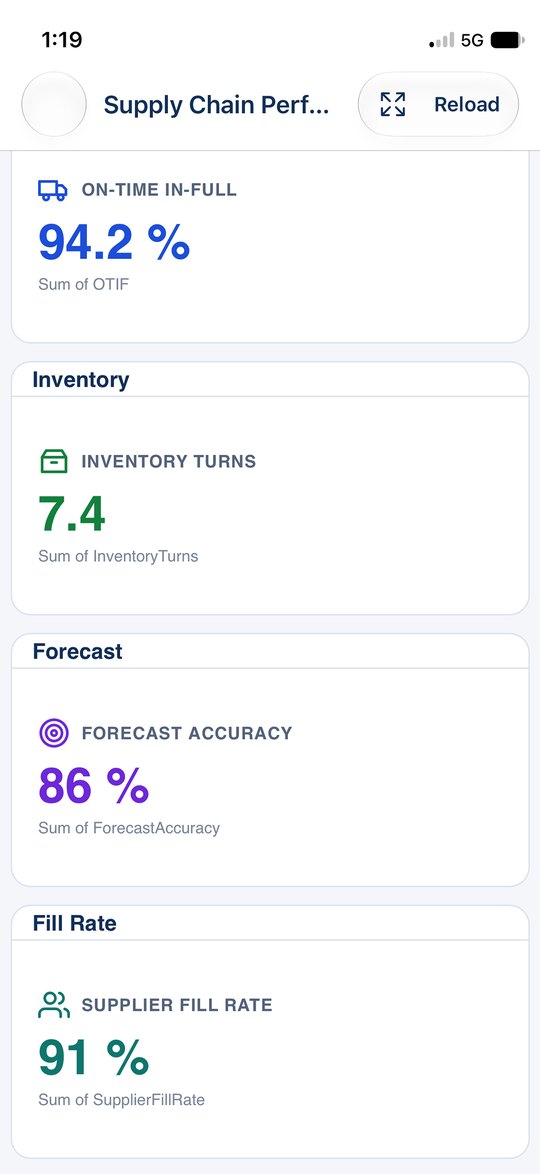
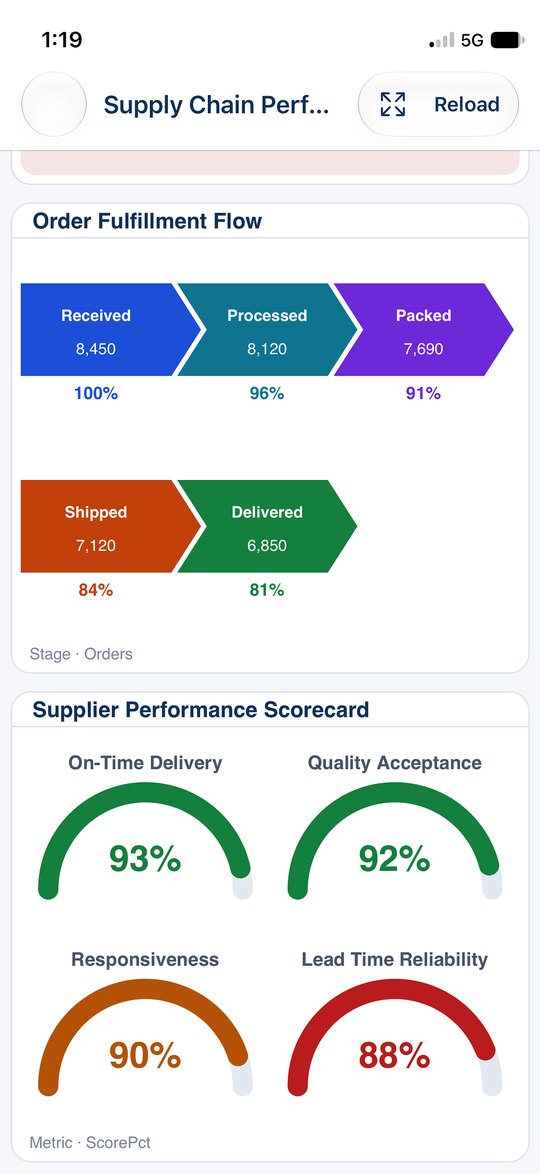
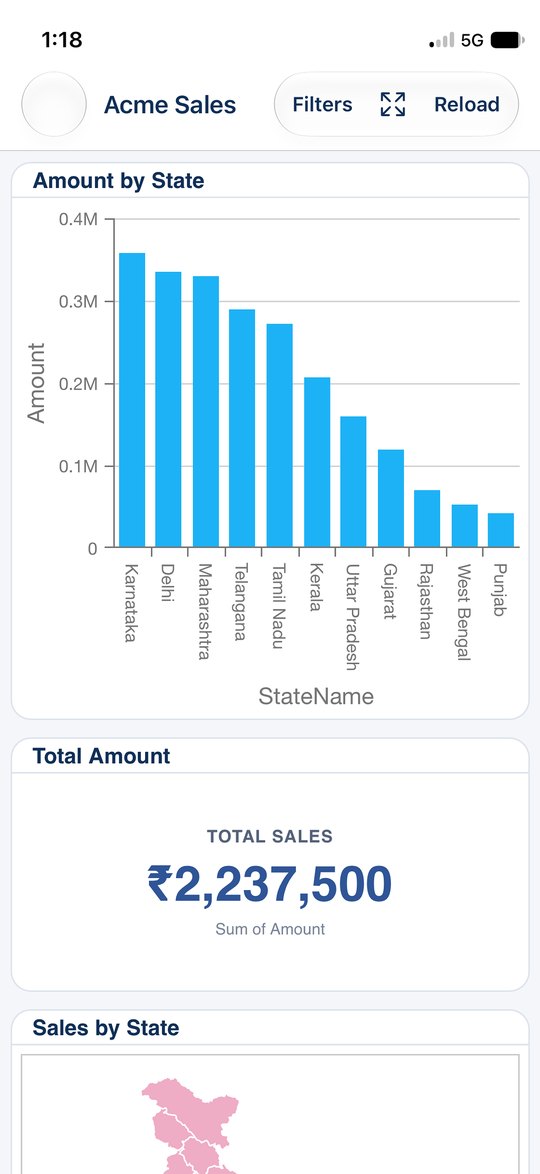
Open the dashboards you have been given: KPI cards, charts, maps, tables, order flows and scorecards, drawn the same way as on the web.
Filters
Narrow any dashboard by date range, with presets such as this month or financial year, and by the filters your team set up.
Alerts and notifications
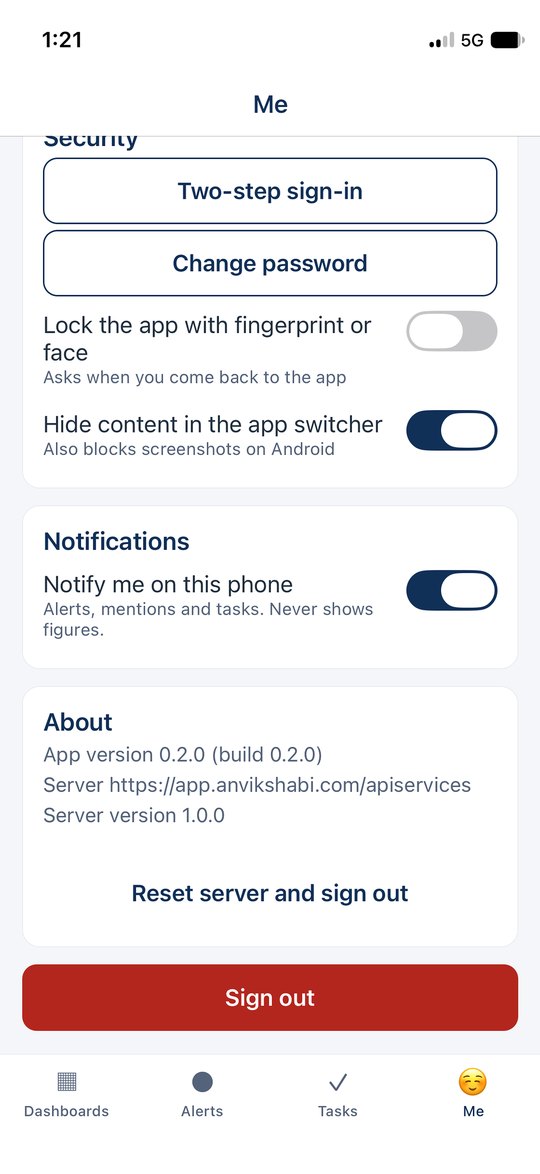
Get a phone notification when an alert fires, when someone mentions you or a task needs you. Notifications never show figures on the lock screen.
Reports
Run the reports assigned to you, choose the parameters, read the PDF in the app, and share or print it where your organisation allows.
Tasks
See what is assigned to you, create and update tasks, add notes and steps, and mark them done.
Ask
Ask a question about your data in plain words, by typing or by voice, when your organisation has switched Ask on.
Secure sign-in
Two-step verification, Face ID or fingerprint lock, and sign-in details kept in the phone's secure storage. Your organisation stays in control of its data.
See it
Get started in three steps
Get your account
Your organisation's AnvikshaBI administrator creates your account and tells you the company code.
Connect
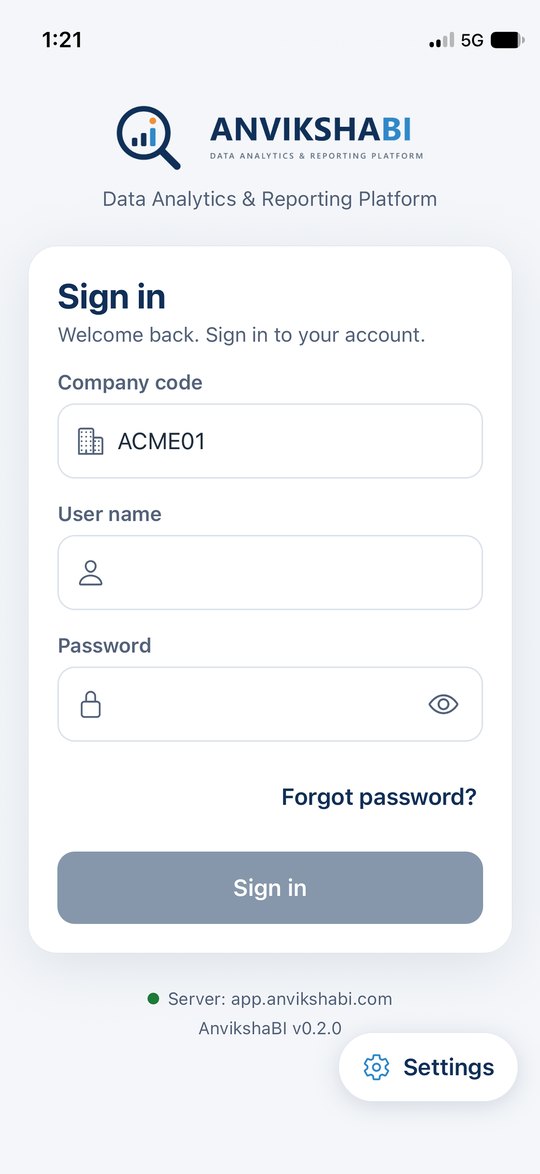
Open the app. If your organisation uses its own server, tap Settings and type its address or scan the QR code your administrator shows.
Sign in
Enter your company code, user name and password, then your two-step code if your organisation uses it.
For organisations
The mobile app is part of AnvikshaBI. A super administrator switches it on for each organisation; your administrators then decide who sees what, exactly as on the web. It works with servers hosted by us and with your own server that has a publicly trusted HTTPS certificate. To find out more, contact us at quiqgenie@gmail.com.